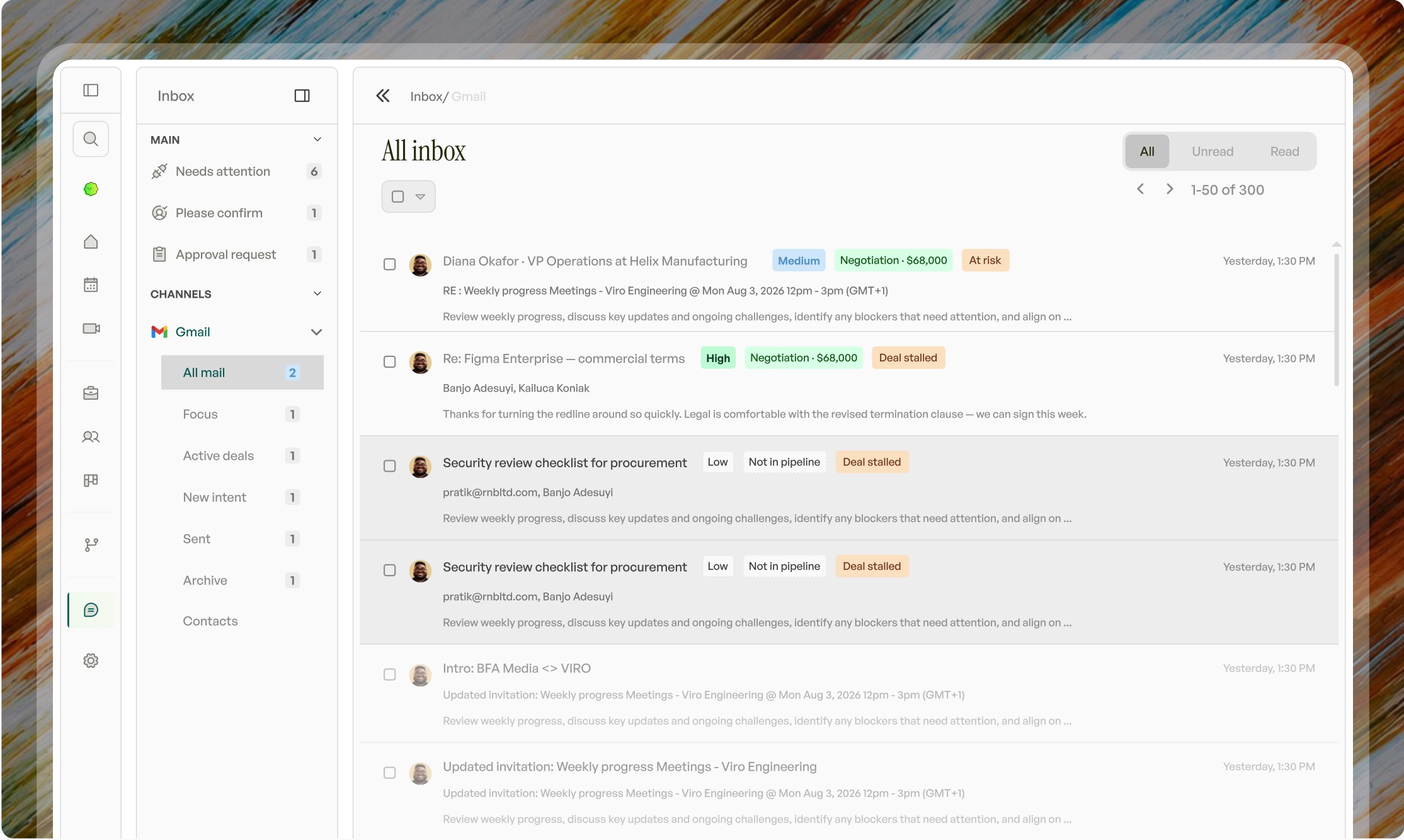
Attio hands you the parts.
Viro shows up already working.

With Attio, you design the objects, wire up the workflows and set up the agents before it starts doing the work for you. Viro is the self-executing CRM. Connect your inbox, calendar and dialer and it goes to work on your very next call.

Viro, the self-executing CRM

Getting your CRM to do the work.

What it takes before the follow-up writes itself.

With Attio

Build it first

  1. Import your data. Design objects, attributes and pipeline stages.
  2. Build workflows for follow-ups, stage changes and routing.
  3. Set up agents, write their prompts, test them on real deals.
  4. Rebuild pieces whenever the way you sell changes.

With Viro

Working from the first call

  1. Connect inbox, calendar and dialer. Log in to Attio and Viro moves everything across.
  2. Viro goes through your old leads and drafts reactivation emails for the ones worth another go.
  3. Iris is ready for your next meeting.
  4. Follow-up, proposal and CRM update waiting for your OK.

Who does what after the call.

Every job that comes out of a sales call, and who ends up doing it.

The JobWith AttioWith Viro
Record what was said on the callCall recording, once you set it upRecorded and summed up from your very first call
Keep the deal up to dateWorkflows you have to buildUpdates itself after every call. Stage changes come to you for a yes
Write the follow-up emailAn agent or workflow you have to buildWritten in your voice and texted to you. Reply "send it" and it's sent
Make the proposalYou make it yourselfMade for you and attached to the email
Book the next meetingYou go back and forth on emailTimes offered in the follow-up, booked when they pick one
Calls from your dialerThrough a calling app you connectFollowed up just like a video call
Prepare for your next callAn agent you set upA one-page brief and a plan for how to run the call
A deal goes quietA workflow you have to buildA nudge is written and ready to send
Old and lost leadsA workflow you have to buildWin-back emails written for you in your first week
Moving your data overExport, import and map it yourselfLog in to your old CRM. No exports
Working from your phoneOpen the appText or send a voice note to Iris and she does the work

Last checked September 2026.
Spotted something that's changed? Tell us and we'll fix it.

Which should you choose?

Choose Viro if

  • You want it working from your first call
  • You'd rather not rebuild when the way you sell changes

Choose Attio if

  • You enjoy designing objects and workflows
  • You have time to build before it works

What the admin is costing you.

Set your calls and admin time. This is roughly what the work after your calls adds up to.

230 hrs

a year on notes, follow-ups, proposals and CRM updates. That's 6 full working weeks. Viro does that work for you.

FAQs

Questions we get asked from founders moving over from Attio.

Couldn’t find the answers you need? Contact us

Flexibility is time you spend building and maintaining. Viro is already built around the way calls turn into deals, so the hours go into selling instead.

Your records, fields and stages come across when you log in to Attio from Viro, and you check the mapping before anything is written. The workflows you built to do the follow-up are the part you no longer need.

It won't, unless you say so. Every follow-up comes to you first, by text or in the app, and nothing goes out until you reply "send it". You choose how much Viro does on its own, and you can change that any time.

No exports. Log in to your old CRM from Viro and it moves everything across: contacts, companies, deals and history. Nothing is written until you've checked the mapping, and Iris is ready for your next meeting the same day.