
What is a self-executing CRM?
A self-executing CRM doesn't just store what happened in a deal. It does the work that comes next. After every call it writes the follow-up in your voice, attaches the proposal, updates the record, moves the deal and books the next meeting, then asks you for a one-word yes before anything goes out.
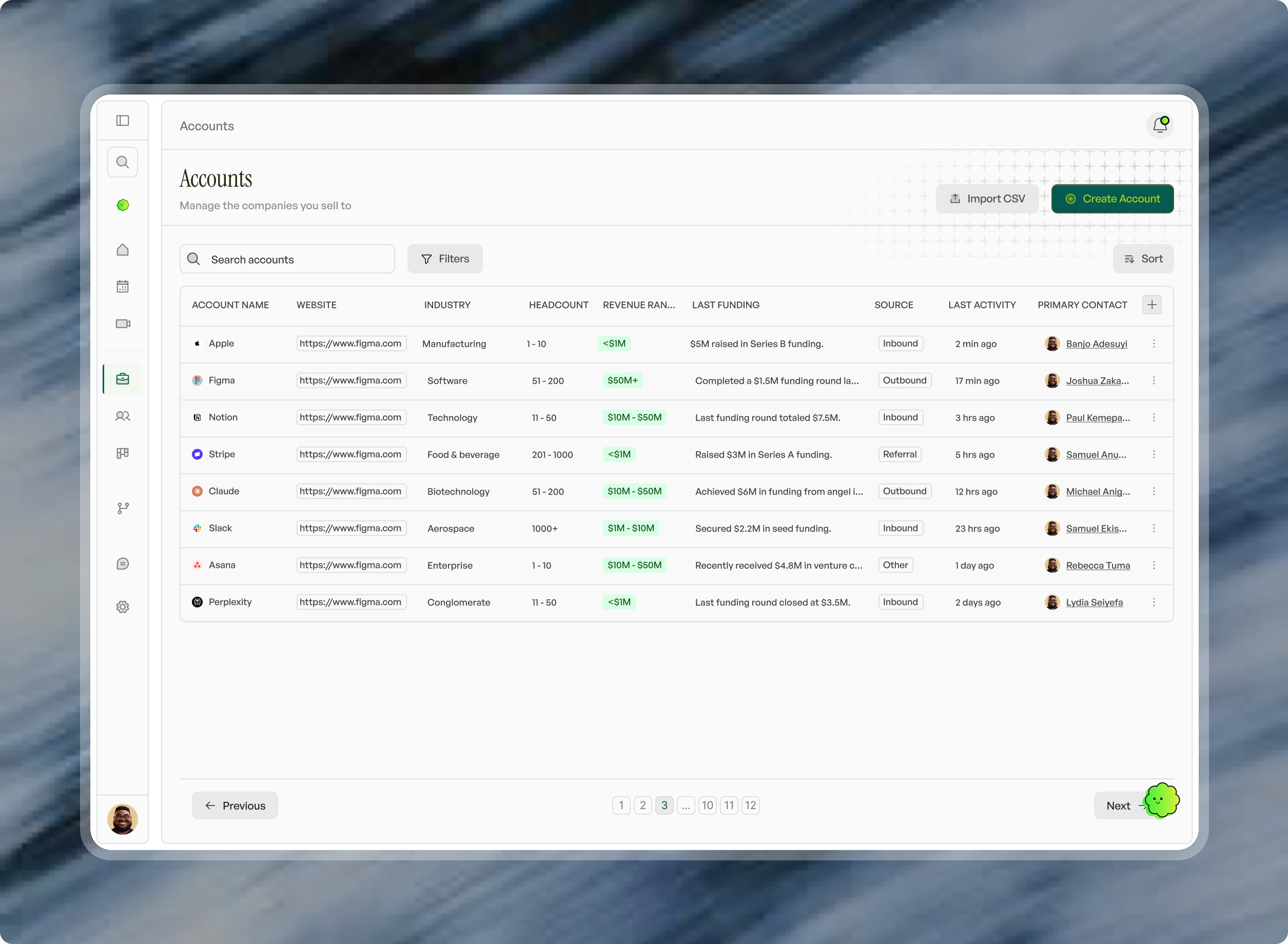
Three generations of CRM
Most teams have lived through the first two. The difference is who does the work after the call.
| Traditional CRM | CRM + AI notetaker | Self-executing CRM | |
|---|---|---|---|
| Who records the call | You type notes afterwards | The notetaker | The CRM itself |
| Who updates the record | You, by hand | A sync, if it's set up | It updates itself after every call |
| Who writes the follow-up | You | A draft you copy and paste | Written in your voice, ready to send |
| Who builds the proposal | You | You | Made from your knowledge base and attached |
| Who remembers “call us in Q3” | A task you hope you set | It's in the transcript somewhere | The check-in is ready in Q3 |
| Where you approve the work | Nothing to approve | In the app | By text, from anywhere |
A notetaker gives you a better record of the call. A self-executing CRM gives you the finished work that the call created.
How it works in Viro
- Before the call. Iris, the AI agent at the centre of Viro, briefs you on the deal: its history, the last objection and what they said about budget.
- On the call. Iris joins in the mode you pick for that meeting: Copilot (visible, supporting you), Proxy (she takes the call when you can't), or Unassigned (nothing joins). Calls from your dialer are captured too.
- After the call. The follow-up is written in your voice with the proposal, deck or contract attached. The contact, company and deal update themselves. The next meeting is offered.
- Your approval. Iris texts you on iMessage. Reply “send it”, “yes”, “no” or “wait”, or send a voice note.
- Months later. When a buyer said “come back in Q3”, the check-in is written from that call and ready when Q3 comes.
What “self-executing” does not mean
- It doesn't send things behind your back. On the recommended setting, Viro drafts everything and asks first. It only takes on a type of task on its own after you've approved that work unchanged, and only if you say yes.
- It doesn't override your rules. You can set up to five things it must never do, like quoting a price without checking with you. Your biggest deals always wait for you.
- It doesn't sound like software. It learns your voice from the emails you've sent, how you talk on calls and your own playbooks, and nothing goes out with Viro branding.
Who it's for, and who it isn't
A good fit
- Founders who are still the company's best salesperson
- Small sales teams without a RevOps person or CRM admin
- Teams who sell on calls, video and the phone, and lose deals in the days after
- Anyone who has stopped updating HubSpot or Salesforce
Not the right fit
- Teams that mainly need cold outbound: lead lists, sequences and dialers
- Large sales floors with a dedicated admin and heavy custom Salesforce workflows
- Teams who only want call recordings and coaching scores
Switching to one
You don't start from scratch. In Viro you log in to your old CRM and it moves everything across: contacts, companies, deals, stages and history, merged with your inbox and calendar. Nothing is written until you've checked the mapping. From the first week, your old leads are already being worked. See how switching works.