
Close deals without
opening a laptop.
Iris is your sales assistant on iMessage. She texts you when a follow-up is ready, reminds you what's due and does the work when you reply. Send a text or a voice memo. You never need to open the dashboard.
Get started Iris
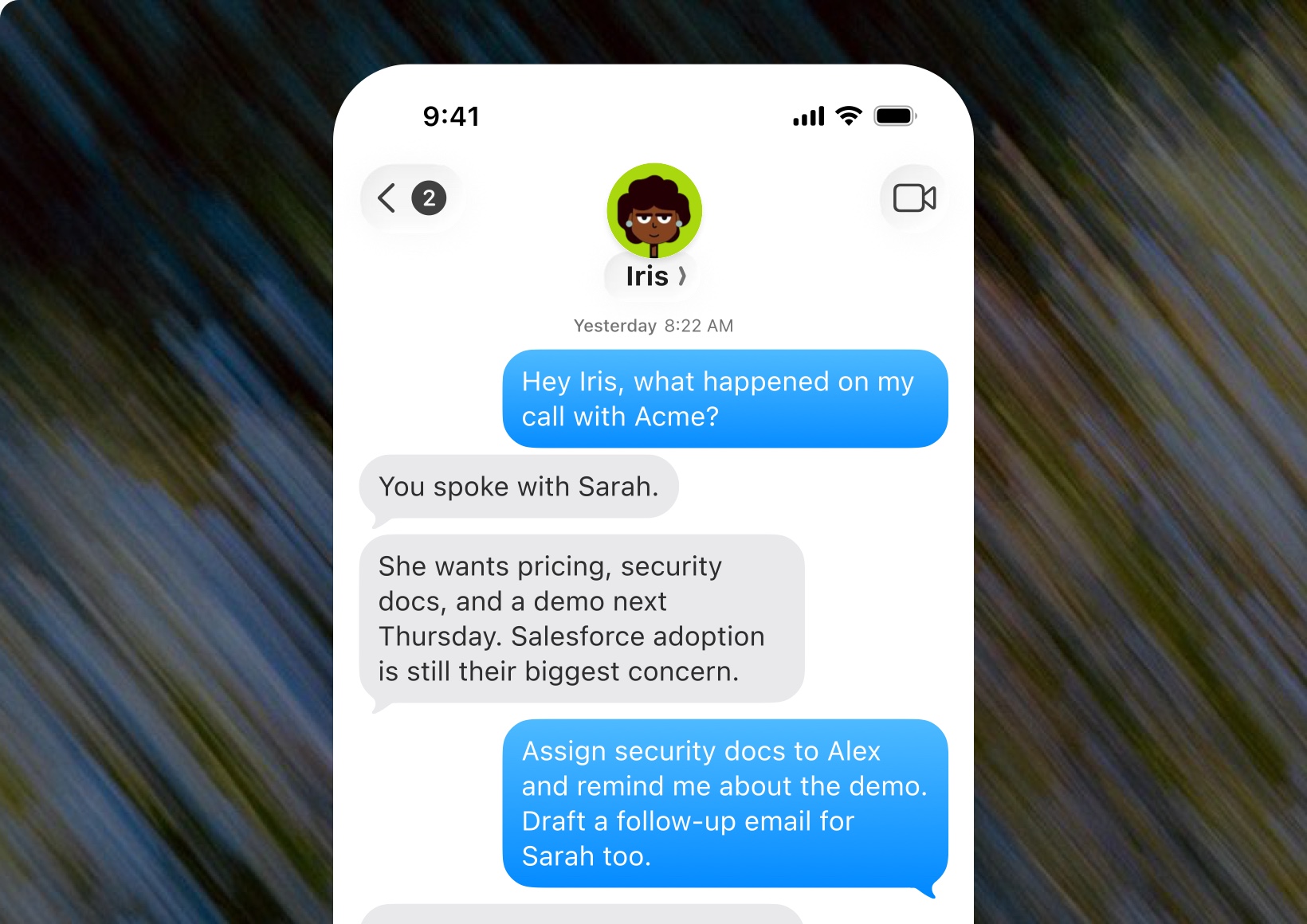
Yesterday 8:22 AM
Hey Iris, what happened on my call with Acme?
You spoke with Sarah.
She wants pricing, security docs, and a demo next Thursday. Salesforce adoption is still their biggest concern.
Assign security docs to Alex and remind me about the demo. Draft a follow-up email for Sarah too.
Done. Alex has the task, and I'll remind you before Thursday.
Here’s the email draft
Subject: Security Docs
Send a voice memo. Iris does the rest.
Walking out of a meeting or stuck in the car? Send Iris a voice memo the way you'd leave one for a colleague. She works out who it's about, what you need, and does it.
- One memo, several jobs. A follow-up, an attachment and a meeting request, from 20 seconds of talking.
- No commands to learn. Ramble, correct yourself, say "the one from Tuesday". She knows which deal you mean.
- Still your call. By default, anything going to a prospect waits for your "send it", until you choose to let Viro send on its own.
Done. Alex has the task, and I'll remind you before Thursday.
Tell her what you need. She does it.
Tell Iris what you need the way you'd tell anyone on your team. She does it, or asks one quick question first.
She texts you when something needs you.
You don't have to check an app. When something is ready or due, it comes to your phone.
Iris Yesterday 8:22 AM
The Northwest Inc. deal has been stalled for 3 days and primary contact changed email address.
Would you want me to draft a follow up email?
Approve deal moves with one word.
When a call gives a deal a reason to move, Iris texts you what happened and asks. Reply yes, no or wait. That's it.
- Yes
- The deal moves and the reason from the call is saved on it.
- No
- It stays where it is.
- Wait
- Iris holds it and checks back after the next conversation.
Iris Yesterday 8:22 AM
The Northwest Inc. deal has been stalled for 3 days and primary contact changed email address.
Reply yes if you want me to move the deal to lost.
Yes
A private line between you and Iris.
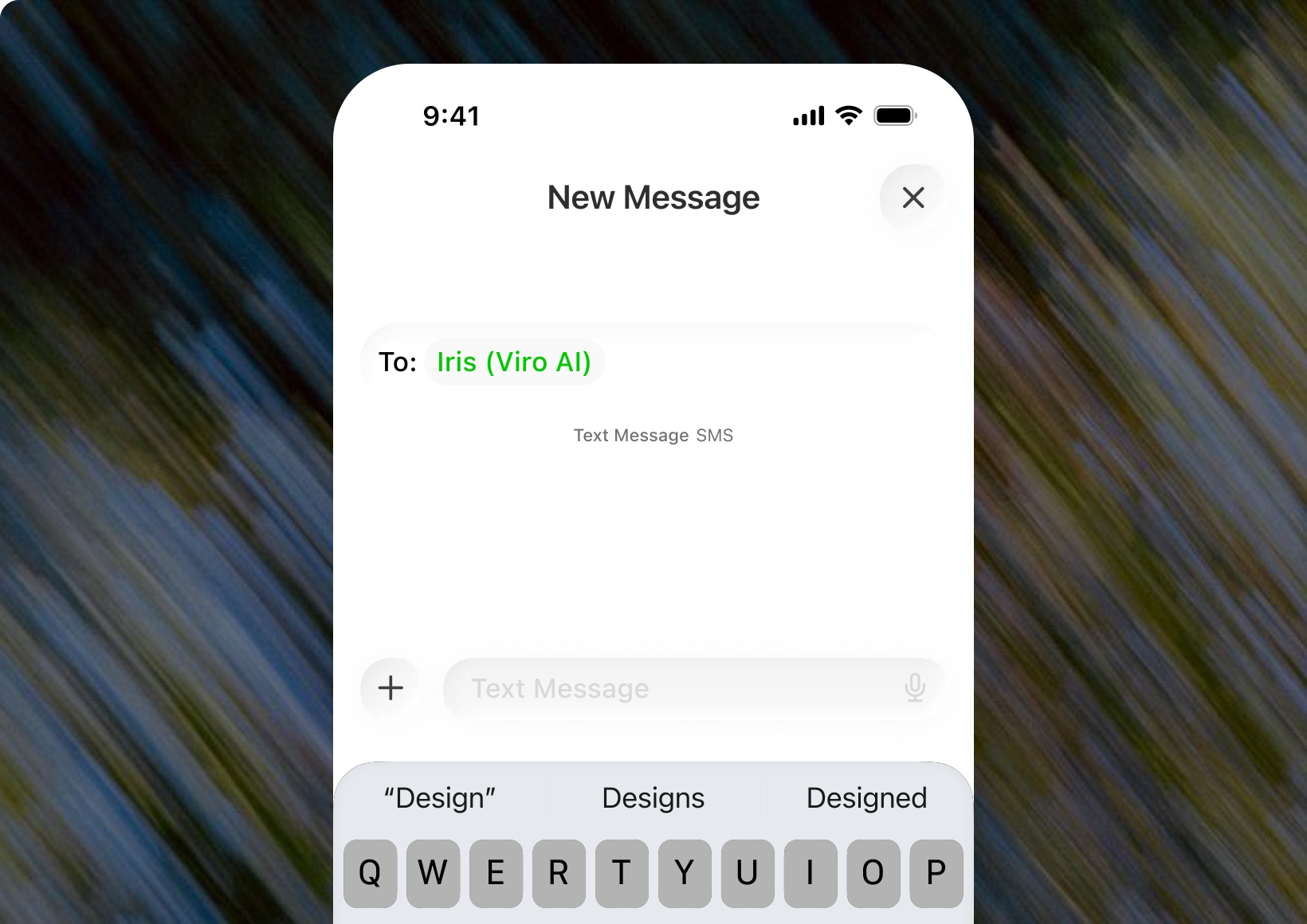
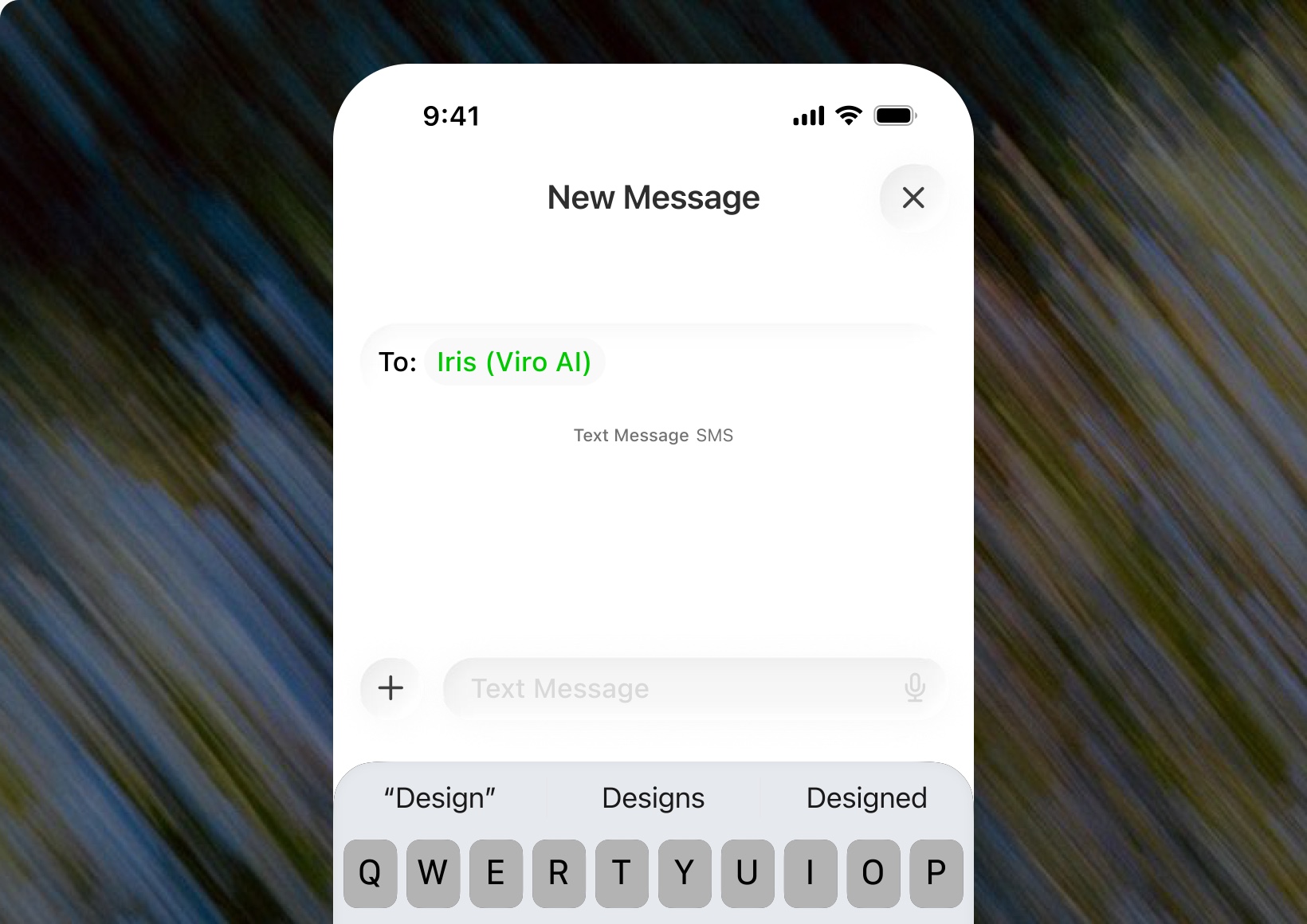
Turn on iMessage in Viro, save Iris to your contacts, and she'll text you when there's work to approve.
You decide what she does on her own.
Iris earns trust the way a new hire does, by showing you the work first. Change the level whenever you like, for one deal or all of them.
Iris is the AI agent at the centre of Viro. She prepares you for calls, joins meetings in the mode you choose, and texts you on iMessage when work is ready for you to approve.
Turn on iMessage in Viro, save Iris to your contacts, and she'll text you when there's work to approve.
Yes. Send a voice memo the way you'd leave one for a colleague. She works out who it's about and what you need, and does it.
Yes. In meetings her name always ends in “(Viro AI)”, and she answers truthfully if asked whether she's an AI. Meeting participant notice.
Not by default. Everything going to a prospect waits for your “send it”, by text or in the app. You decide when Viro can send on its own, for one deal or all of them.